1068
1068
 Request Call Back
 Contact
 1068
1068
How to download reports
Published on: Mar 12, 2025
TABLE OF CONTENTS
Visit Our Website/Download Medanta App from App Store & Play Store
Website Link: https://care.medanta.org/landing
Download Links:
App Store: https://play.google.com/store/apps/details?id=com.medantapatient.app
Play Store: https://apps.apple.com/in/app/medanta/id6741807921
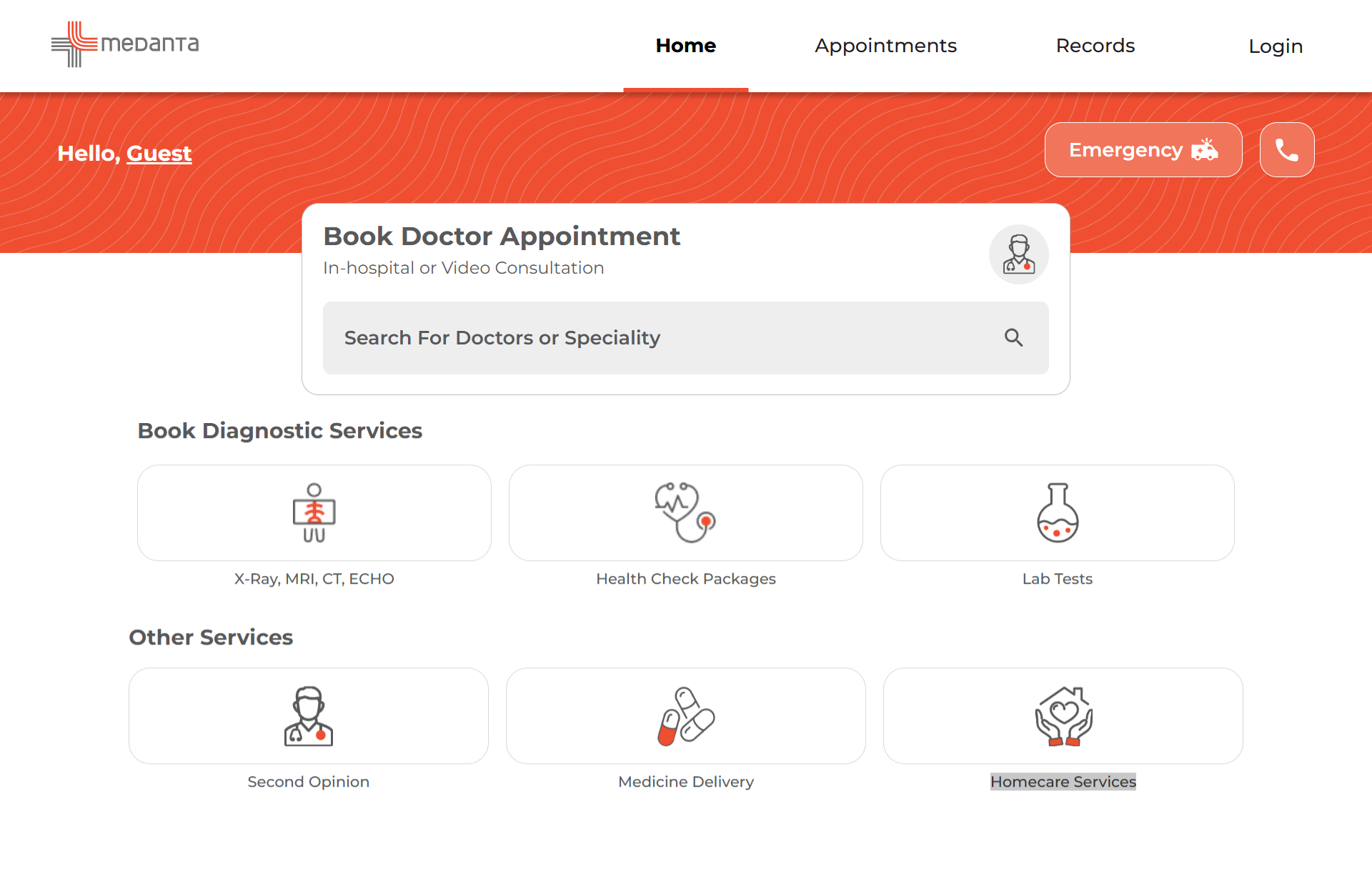
Activate Your Medanta Account for First-Time Use
Click on 'Activate Medanta App Account' using Patient ID to activate your account for the first time.
Follow the prompts to complete the activation process.
If you are already registered on Medanta App ,then please click on ‘Login’ and proceed further
Steps to activate your eCLINIC account for first-time user
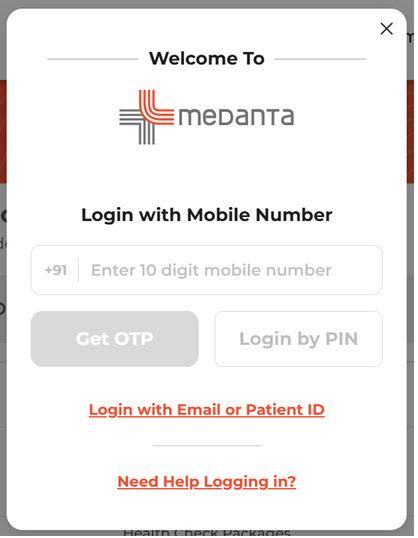
Enter your registered mobile number.
Verify your identity using the OTP sent to your registered mobile number.
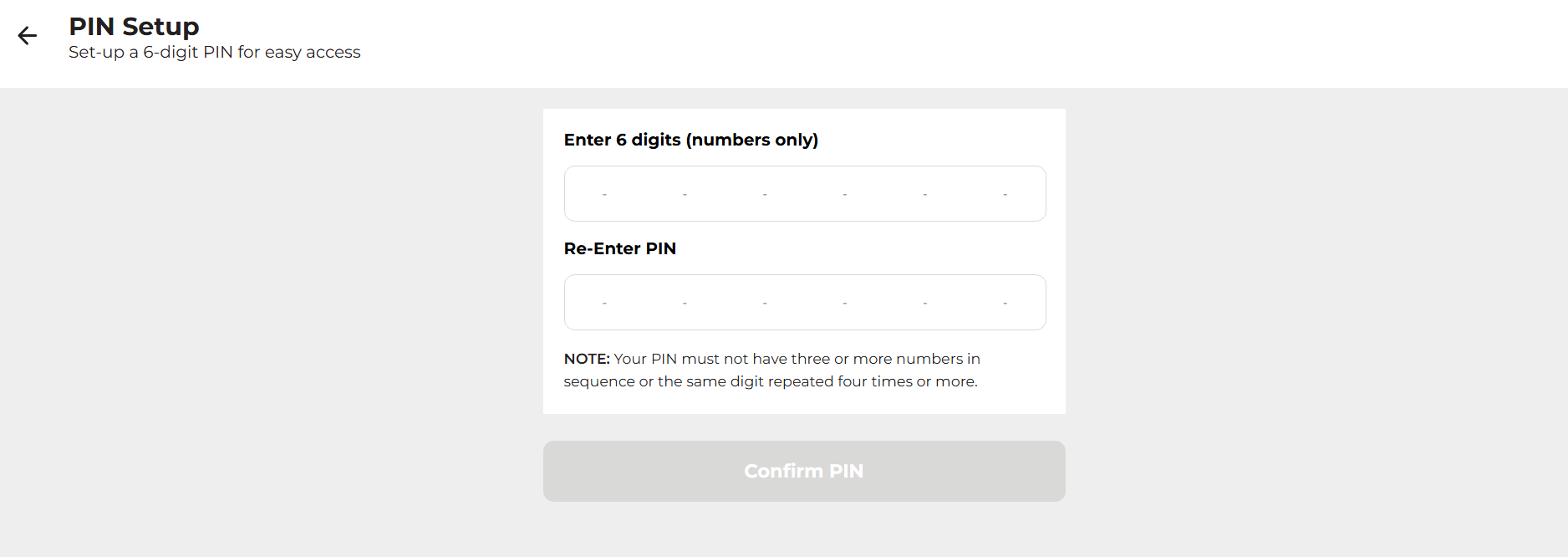
Create and confirm your new PIN to activate your account.
Use your newly created PIN to log in to your eCLINIC account.
Note:
Choose a strong pin that meets the security requirements.
Confirm the new pin and save it for future use.
Steps to Reset Your Medanta Account Password
Step 1: Visit the eCLINIC website or open the eCLINIC app.
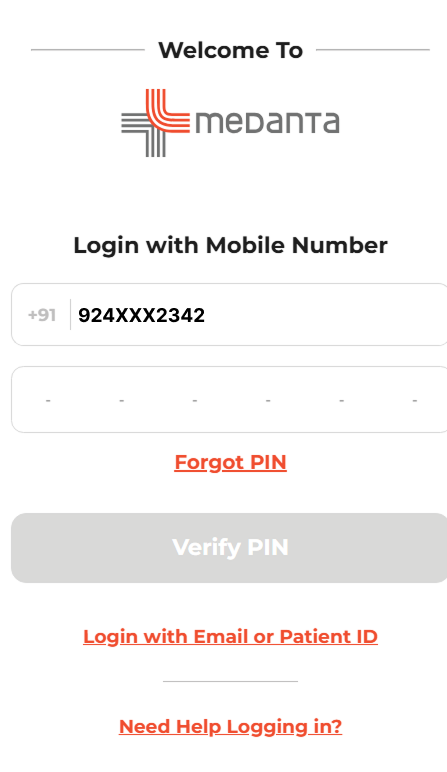
Step 2: Choose your preferred login method: Login with OTP or Login with PIN.
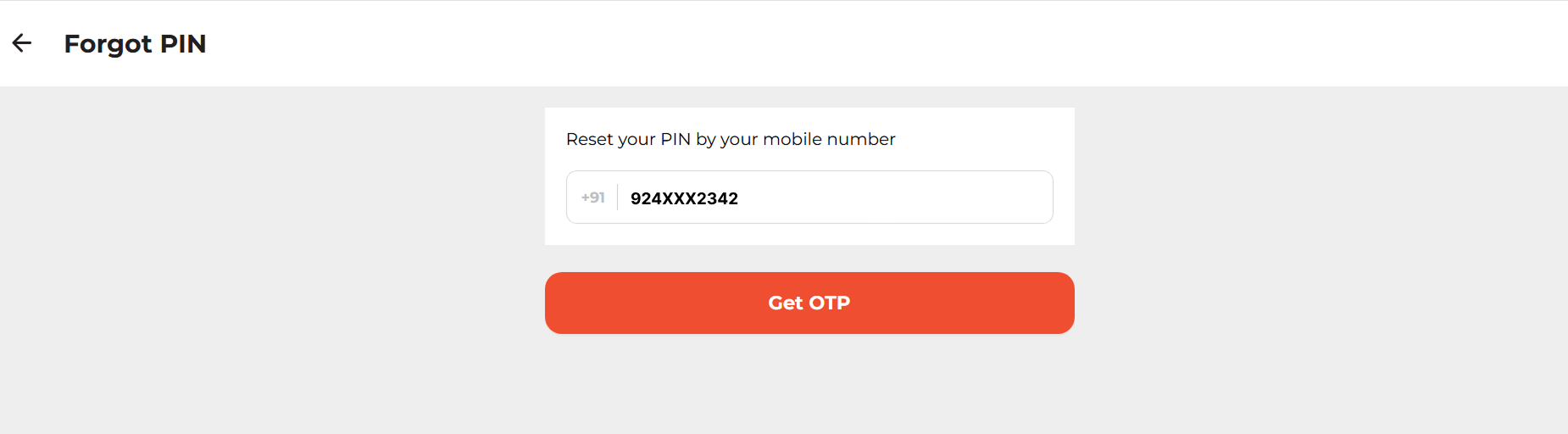
Step 3: If you've forgotten your PIN, click 'Forgot PIN'.
Step 4: Enter your registered mobile number and verify your identity using the OTP sent to your phone.
Step 5: Create and confirm your new PIN, then use it to log in securely.
Guide to Access Reports from Medanta Account
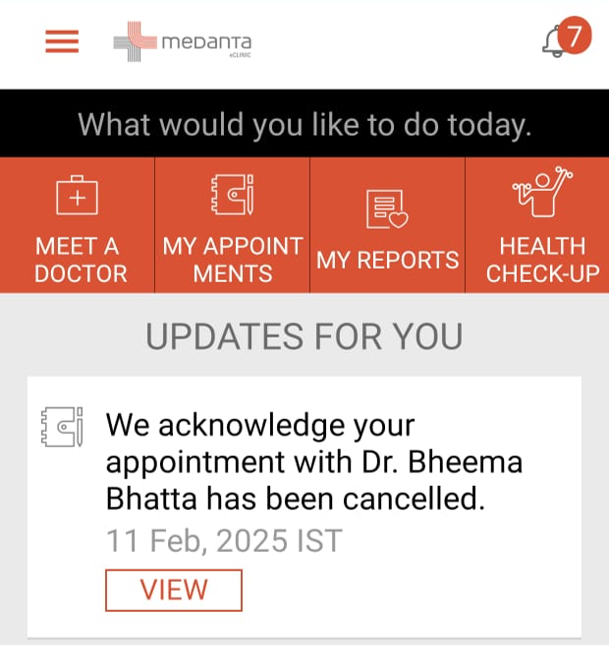
You can access the following types of reports:-
Lab Reports: Blood Test Reports
Radiology Reports: Imaging Results
OPD Notes: Prescriptions
IPD Notes/Echo reports : Clinical Diagnostic
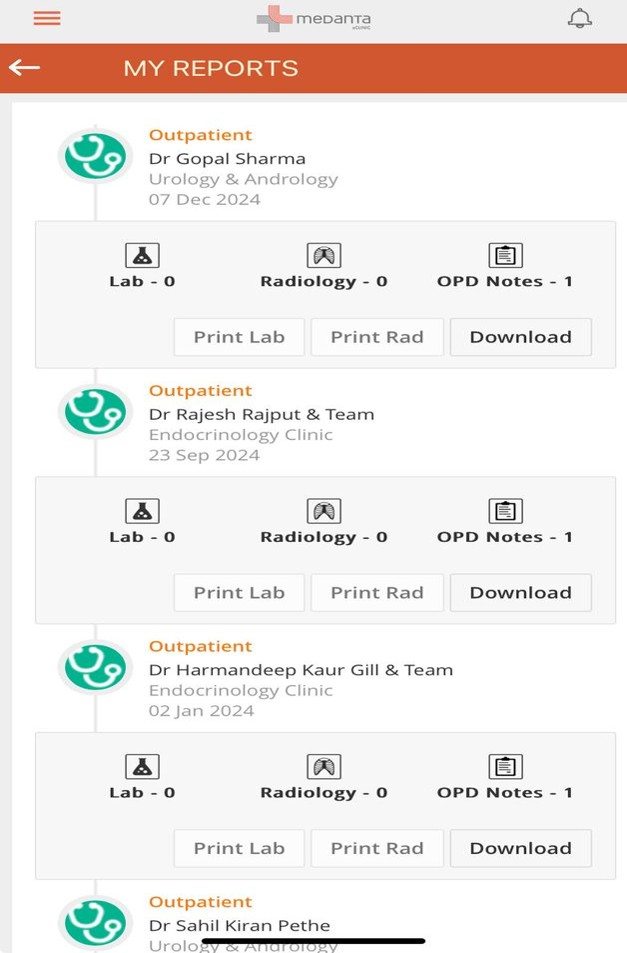
Download/View Your Reports
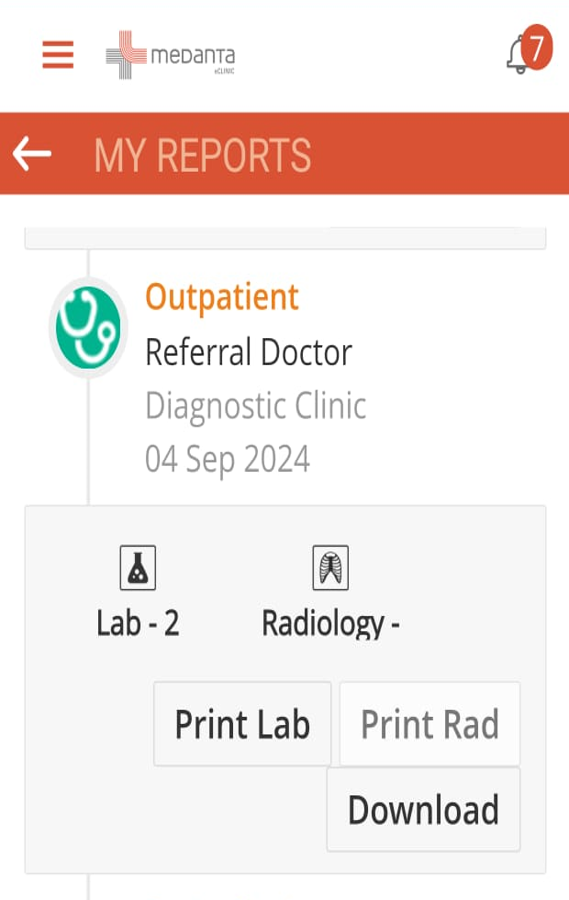
Click on the Download button to view or save the report to your device.
You can easily download any report for your reference or share with your healthcare provider.
After downloading the reports, sometimes patients receive them as scanned PDFs or images, which will be difficult to edit or keeping them in a manageable way. In such cases, using an image to text converter works efficiently, it supports comprehensive textual data extraction from medical reports, prescriptions, and lab documents and store them into editable and formatted text. In this way, you can edit and manage your text-based reports easily. This makes it easier to store, review, and accurately share important health information with your healthcare provider during consultations.